
Swift
xeerpe for SwiftUI
Metal shaders, reactive to tilt, touch and time. Native on every Apple platform.
File › Add Package Dependencies
view.xeerpe { .preset(.gold, reacting: .tilt) }xeerpeAdd the package in Xcode, then import it.
File › Add Package Dependencies.
.package(url: "https://github.com/lupodevelop/swift-xeerpe", branch: "main")
import xeerpe

card.xeerpe(.card(.holographic, .tilt))
01
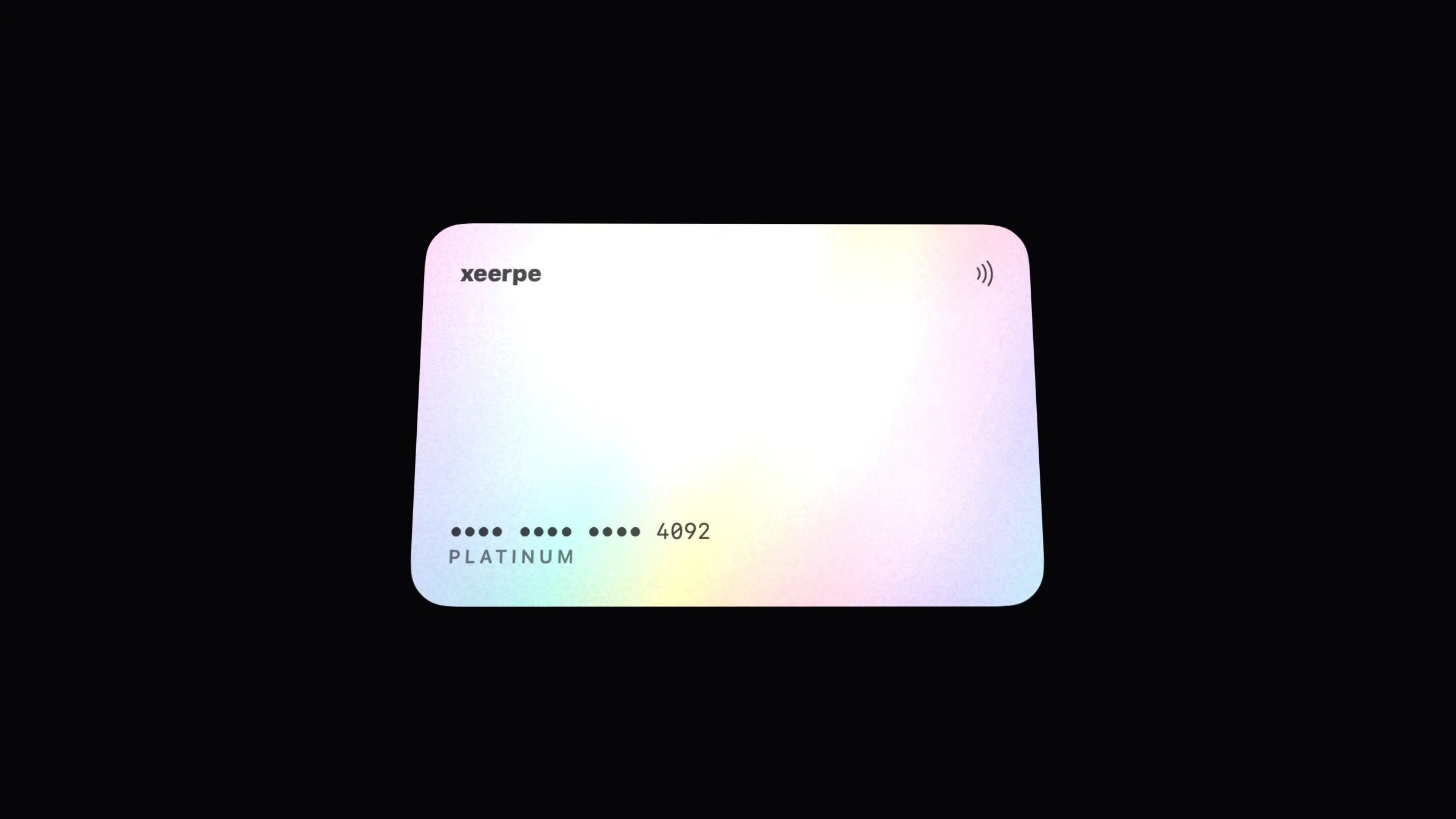
A card from the catalog, a glare and a 3D tilt.
The light follows the phone. On a Mac, the pointer.
card.xeerpe(.card(.holographic, .tilt, angle: 22))
02
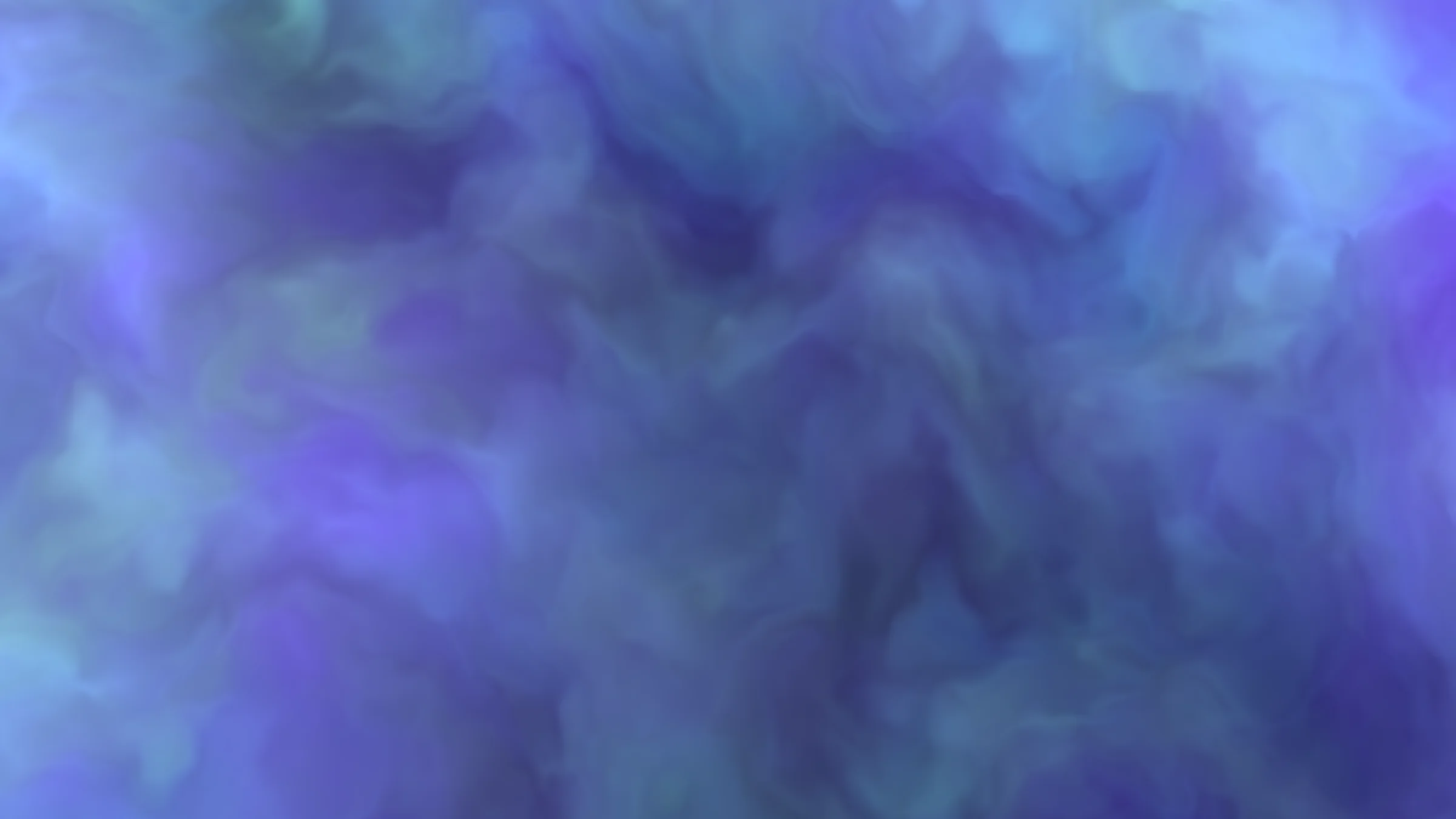
Surfaces are Metal shaders, not pictures.
A finger on the view pulls the flow toward it.
view.xeerpe(.aurora())
03
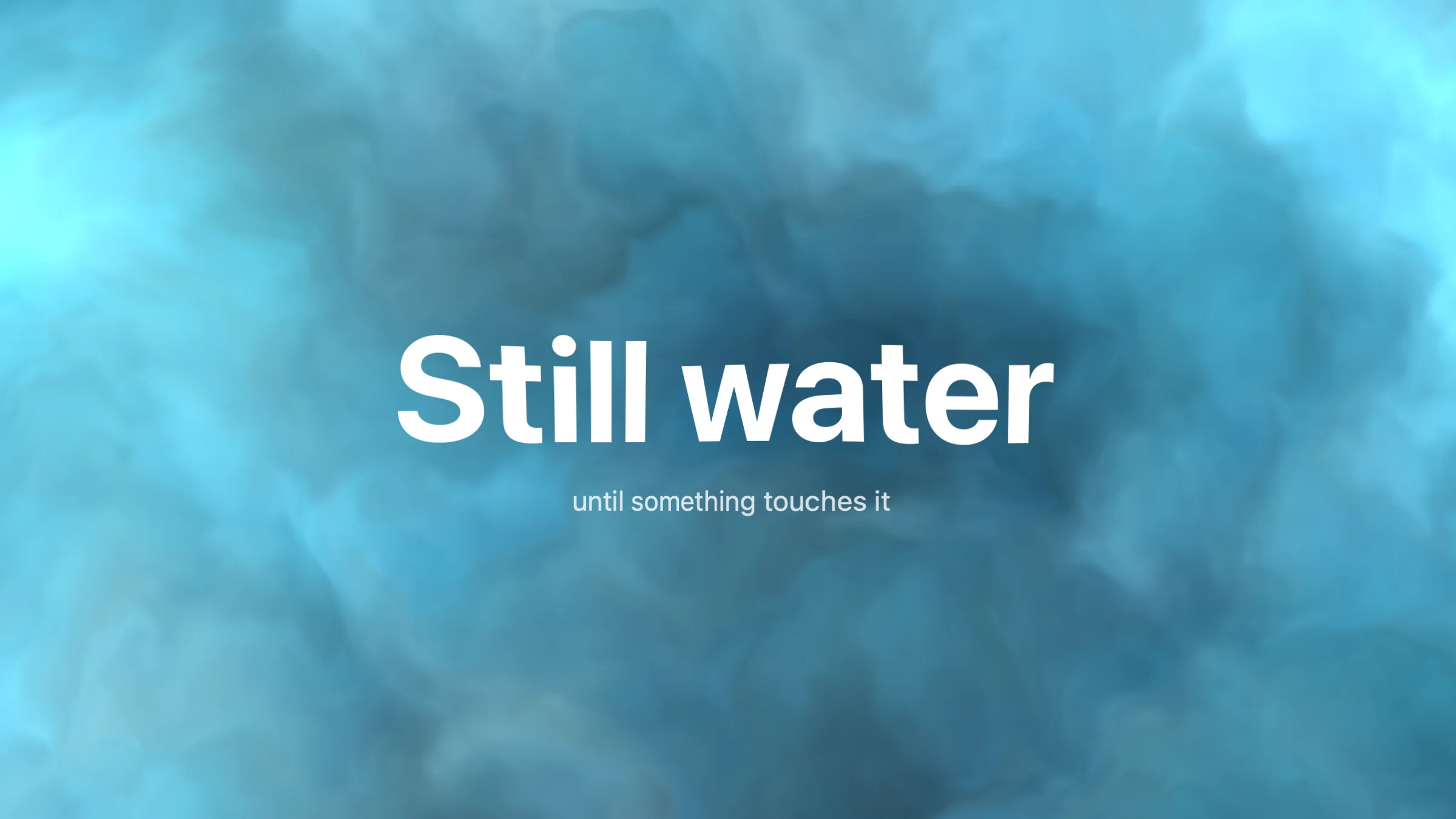
Each tap sends a wave through the water.
The wave bends the content too: text, images, controls.
view.xeerpe(.pond())
04
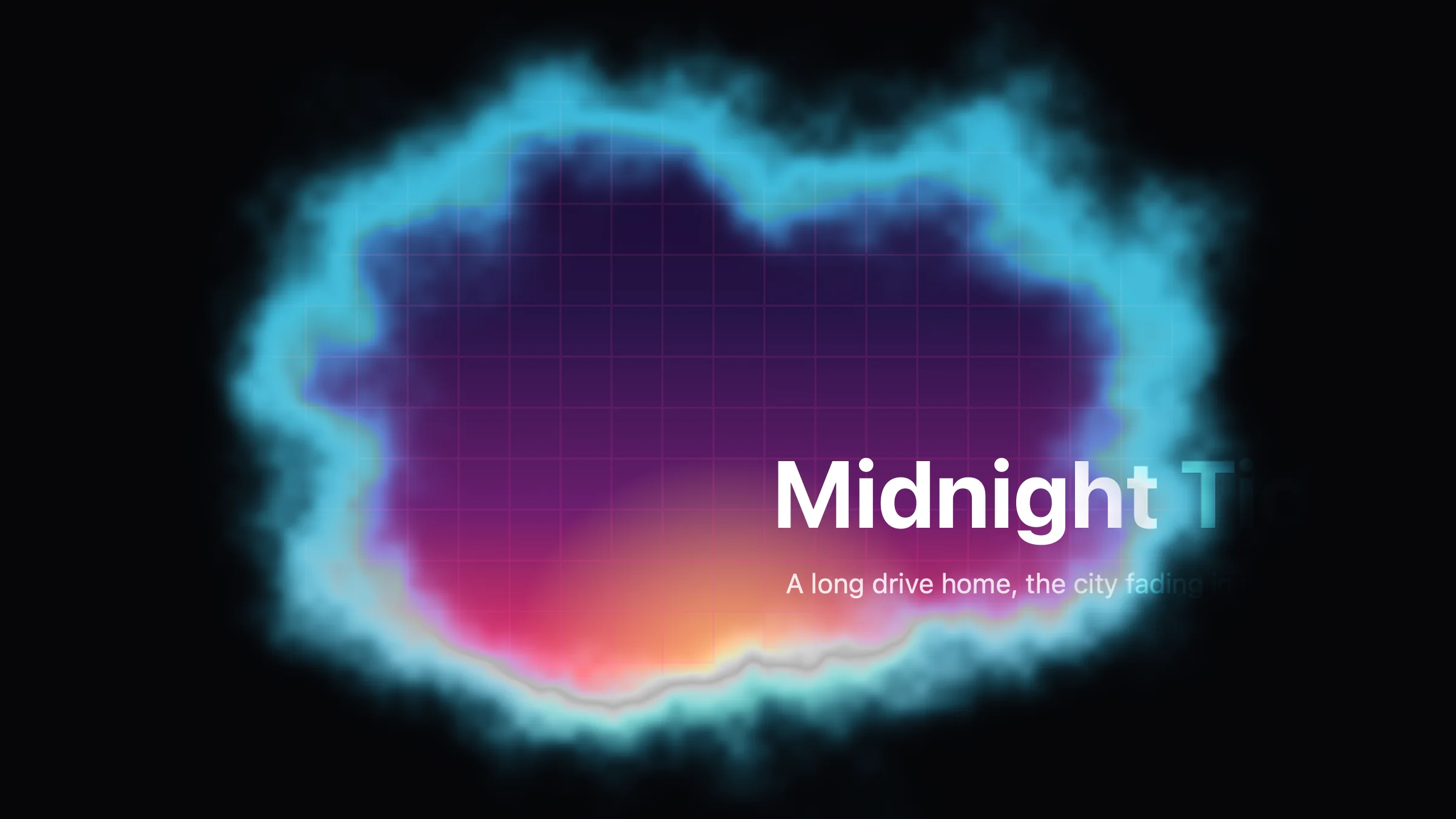
A reveal driven by any value you own.
Here the value is how far you scrolled.
view.xeerpe(.fluidReveal(progress: .binding($progress)))
And more
The scenes above are a few of them. Every effect chains with the others and reads the same signals.
Basics
Light
Metals and finishes
Film and print
Old screens
Reveal and hide
Liquid and particles
Depth and touch
Composition
view.xeerpe(.aurora())
view.xeerpe { .liquid(.ocean, speed: 0.6).lens(radius: 70) }XeerpeChain.pond().without(.distortion).adding { .lens(radius: 80) }Sensors, gestures and async work arrive as values. Any effect can read them, remap them and combine them.
Ecosystem
Effects as chains, presets you can take apart. Each package speaks its own platform's language.
Swift
Metal shaders, reactive to tilt, touch and time. Native on every Apple platform.
File › Add Package Dependencies
view.xeerpe { .preset(.gold, reacting: .tilt) }
TypeScript
CSS backgrounds and gradient text as one chain. Any framework, zero dependencies. By Nicola Centonze.
npm install xeerpe
new Preset("gold").grain({ intensity: 1.5 }).toStyle()xeerpe.io ↗npm ↗
Gleam
A typed binding for the JavaScript target, with xeerpe bundled. Unknown presets are an Error, not an exception.
gleam add xeerpe
let assert Ok(gold) = xeerpe.preset("gold")
gold |> xeerpe.grain(xeerpe.grain_options) |> xeerpe.to_style
Hex ↗Docs ↗